
Why an MCP server is not 'just an API'
What an MCP server really is, how I built one for RedirMe on Cloudflare Workers, why it is more than a thin wrapper around a REST API, and how MCP Server Portals with Code Mode tame the cost of connecting many servers to one model.
An MCP server looks like a REST API with a different wire format. Building one for RedirMe taught me it is a different kind of interface, written for a different kind of client.
“Can’t the model just call our API?” I hear that question a lot, and I asked it myself before I built the MCP server for RedirMe , my link shortener. The honest answer is: yes, technically it can. But an MCP server that is only an API with a new transport misses most of what makes MCP useful, and most of what makes it safe.
This post covers what an MCP server is, how the RedirMe one is put together, the design decisions that made it more than a wrapper, and the problem that shows up once you connect many MCP servers to one model. That last part is where Cloudflare’s MCP Server Portals and Code Mode come in.
What an MCP server is
The Model Context Protocol is an open protocol, introduced by Anthropic in November 2024, that standardises how an AI application (the host, such as Claude Code, Claude Desktop or Cursor) connects to external capabilities. The host runs an MCP client for each server it connects to. Client and server speak JSON-RPC 2.0, either over stdio for a local process or over Streamable HTTP for a remote server.
A server can offer three kinds of things:
- Tools: functions the model may decide to call, each with a name, a natural language description and a JSON Schema for its input.
- Resources: data the application can read into context, addressed by URI.
- Prompts: reusable templates a user can pick.
The connection starts with an initialize handshake in which both sides
announce the protocol version and their capabilities. The client then calls
tools/list and gets back every tool definition. Those definitions end up in
the model’s context, and from then on the model decides which tool to call
and with which arguments. The client sends a tools/call, and the result
goes back into the context as text the model reads.
Read that last paragraph again, because it is the whole point of this post. The consumer of an MCP server is a language model. It discovers your interface at runtime from prose you wrote. It cannot read your docs site, it does not remember last week’s call, and it can be manipulated by text it reads elsewhere (prompt injection). Every design decision follows from that.
The RedirMe MCP server
RedirMe’s API runs on Cloudflare Workers with Hono, D1 and KV. The MCP
endpoint lives inside that same Worker at https://api.redirme.com/mcp and is
available to Supporter accounts.
Some facts about the implementation:
- Transport. It uses
createMcpHandlerfrom Cloudflare’s Agents SDK, which implements stateless Streamable HTTP as defined in the 2026-07-28 revision of the MCP spec. Stateless means no per-session storage, so no Durable Object is needed. The olderMcpAgentclass, which keeps a Durable Object per session, is deprecated in the SDK. - A fresh server per request. Each request builds an
McpServer(from@modelcontextprotocol/server) with the caller’s identity captured in a closure, so a tool handler can never see another user’s context. - Five tools.
list_redirects,get_redirect,create_redirect,delete_redirectandwhoami. No resources and no prompts: for a link shortener, tools cover everything a user actually asks an assistant to do. - Schemas in Zod 4. The MCP SDK requires Zod 4 while the rest of the API
is on Zod 3, so the MCP code imports an aliased
zod-v4package. Not glamorous, but it kept the migration out of the critical path.
Connecting from Claude Code is one line:
1claude mcp add --transport http redirme https://api.redirme.com/mcp
Clients that support OAuth sign in through the browser. Clients that don’t
can pass a personal token with --header "Authorization: Bearer ...".
Why it is more than an API
On paper, five tools that list, get, create and delete links are a tiny CRUD API. Here is what was different in practice.
1. The description is the documentation
A REST API has a reference site, examples and a developer who reads them
once. An MCP tool has its description and the describe() text on each
parameter, and that is all the model ever sees. So those strings are written
for a reader who decides when to call the tool, not just how:
 1server.registerTool(
 2  'get_redirect',
 3  {
 4    description:
 5      'Get full detail for one short link owned by the authenticated ' +
 6      'user, looked up by its slug or its ID.',
 7    inputSchema: z.object({
 8      slug_or_id: z
 9        .string()
10        .min(1)
11        .describe('The short link slug (e.g. "abc123") or its ULID'),
12    }),
13  },
14  async ({ slug_or_id: slugOrId }) => { /* ... */ }
15)
The whoami tool says “Call this before creating links in bulk to find out
how many remain.” That sentence is not documentation for a human, it is a
nudge that changes the model’s plan. The create_redirect description says
that options outside the user’s plan “are rejected rather than silently
ignored”, so the model knows a refusal is meaningful and not a glitch to
retry.
2. Errors are instructions
A REST client gets a 403 and a developer decides what to do. A model gets
a string and decides on the spot. So every tool error in the RedirMe server
goes through one helper that returns isError: true and a sentence phrased
as guidance:
 1/**
 2 * Phrased as guidance rather than a status code, because the message is
 3 * read by a model deciding what to do next.
 4 */
 5function fail(message: string) {
 6  return {
 7    content: [{ type: 'text' as const, text: message }],
 8    isError: true,
 9  }
10}
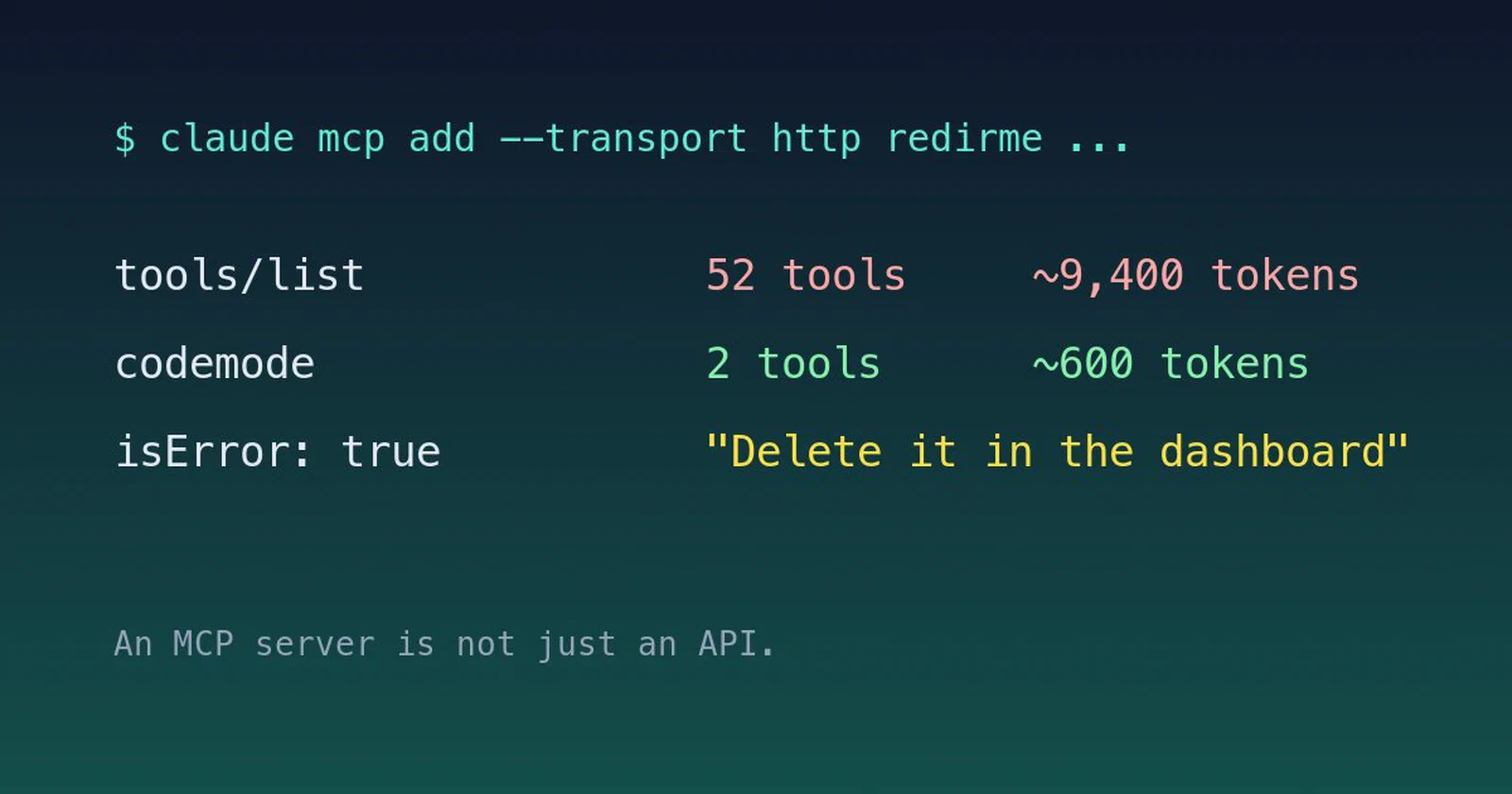
A real example from delete_redirect: “This redirect was not created via MCP
(it came from the dashboard), so it cannot be deleted from here. Delete it in
the RedirMe dashboard instead.” The model passes that on to the user instead
of trying the call again with different arguments.
Errors that happen before a tool runs (bad token, rate limit) come back as JSON-RPC error envelopes next to the right HTTP status, because MCP clients show those far better than a bare HTTP body.
3. Output is budgeted
Every byte a tool returns lands in the model’s context window. A REST
endpoint can happily return 1,000 rows; an MCP tool that does so pushes
the actual conversation out. list_redirects defaults to 25 items, is capped
at 100, and returns small, flat objects with nothing secret in them. Paging
uses an opaque cursor, and an invalid cursor falls back to page one so a
confused agent simply starts over rather than getting stuck.
4. The client can be talked into things
This is the big one. An agent with access to your account can read a web page that contains instructions, and follow them. With a link shortener the obvious abuse is a legitimate account suddenly creating hundreds of phishing links. So the MCP server has guardrails the REST API does not need in the same form:
- Same guard stack as the dashboard.
create_redirectcalls the exact function the dashboard uses, which runs plan limits, domain ownership, URL safety and SSRF checks, TLD checks and ban lists. The first MCP commit was mostly an extraction of that logic, so MCP is “a thin adapter, not a second API” and can never be a softer path than the browser. - Layered rate limits. There are limits before authentication, limits per token, and a much stricter limit on creating links, because creation is the verb that gets abused. From the code comment: “A prompt-injected agent loop hits this long before it can do damage.”
- Provenance. Every link records how it was created (
dashboard,api,mcp, and so on) and which token created it.delete_redirectonly deletes links that were created through MCP, and deletes are soft, so an agent can clean up its own mistakes but can never wipe an account. - Ownership on lookup. Links of other users come back as “not found”, so the tools can’t be used to probe whether a slug exists elsewhere.
5. Auth is a protocol, not a header
Version one accepted personal tokens only: a random rmcp_ token, shown
once, stored as a SHA-256 hash. That works for Claude Code, but Claude’s
connectors expect to sign in by themselves, and they failed with “Couldn’t
register with RedirMe’s sign-in service.”
MCP specifies OAuth 2.1 for remote servers, and a client expects all of it:
- protected resource metadata (RFC 9728) and authorization server metadata
(RFC 8414) under
/.well-known/, found via theWWW-Authenticateheader of a401; - dynamic client registration, because the client registers itself the first time it connects;
- PKCE with S256, which RedirMe requires for every client;
- a consent screen, refresh token rotation and revocation.
RedirMe uses Cloudflare’s @cloudflare/workers-oauth-provider as an
authorization server inside the existing Hono app, with grants and clients
in KV. Scopes map directly onto tools (redirects:read, redirects:create,
redirects:delete), and the consent screen warns that a client picked its
own name, so you should check where it sends you back to.
One more deliberate choice: MCP credentials live in their own table, apart from the regular API keys. The API key validator matches any row by hash, so a token stored there would also work on every other endpoint. Keeping them apart means an MCP token can do exactly what the MCP tools allow and nothing else. And the plan check runs on every request, so a downgrade cuts off access immediately rather than when a token expires.
None of this is exotic. But add it up and the MCP server is a separate product surface with its own reader, its own threat model and its own auth flow. Calling it “just an API” undersells it, and building it like one leaves the guardrails out.
The problem with many MCP servers
Five tools is nothing. The trouble starts when you connect the RedirMe
server, plus GitHub, plus a ticket tracker, plus a docs server, plus a
cloud provider. Each server’s tools/list result is loaded into the context
of every request, and it adds up quickly.
Cloudflare published real numbers. In Scaling MCP adoption (April 2026) they describe an internal setup with four MCP servers exposing 52 tools, which cost about 9,400 tokens of context for the definitions alone, before the user has typed anything. In their post about the Code Mode MCP server (February 2026) they estimate that exposing each of the more than 2,500 endpoints of the Cloudflare API as an MCP tool would cost 1.17 million tokens. That is more than most models can hold at all.
Token cost is not the only problem:
- Tool choice gets worse. The more similar tools a model sees, the more often it picks the wrong one or fills in the wrong arguments.
- Every call is a round trip. A task that chains three tools costs three turns of the model, with every intermediate result copied into context.
- Auth and governance sprawl. Every server has its own sign-in, its own tokens and its own logs. Security teams also worry about unvetted local servers and “shadow MCP”: servers people connect to without anyone knowing.
Some clients already defer tool definitions and load them on demand, which helps with the first problem. Cloudflare attacks all of them at the network layer.
MCP Server Portals and Code Mode
An MCP Server Portal is a single MCP endpoint on your own domain that sits in front of many remote MCP servers, both servers on Cloudflare and third-party servers hosted elsewhere (with OAuth, bearer token or no authentication upstream). Users connect their client to one portal URL and see every server they are authorised to use. Cloudflare Access policies decide who can connect to a portal and which servers show up in it, and per-tool switches decide which tools of each server it exposes. So one portal can offer read-only tools to one group and another portal read and write tools to a different group. Access logs every tool request, and if you route the portal through Cloudflare Gateway you can add DLP rules on the traffic as well.
That fixes sprawl, but on its own a portal would still forward all 52 tool definitions. This is where Code Mode comes in.
Code Mode starts from an observation Cloudflare made in their original Code Mode post (September 2025): LLMs are better at writing code that calls an API than at calling tools directly. Their explanation is that models have seen an enormous amount of real TypeScript during training, and very few tool calls. Instead of one tool per operation, the server exposes two:
- search: the model writes a small JavaScript function that filters the available operations (in the Cloudflare API server, a fully resolved OpenAPI spec) and returns only what it needs. The full spec never enters the context.
- execute: the model writes a function that makes the actual calls, chaining them, handling pagination and errors, and returning only the final result.
The code runs in a Dynamic Worker, a lightweight V8 isolate without a file system, without environment variables that a prompt injection could leak, and with outbound fetches disabled by default. Credentials stay on the server side and are never visible to the generated code.
For the Cloudflare API server this brings 1.17 million tokens of tool definitions down to roughly 1,000 tokens, a 99.9% reduction, and the cost stays fixed when the API grows.
In April Cloudflare brought the same pattern to portals. On a portal where
Code Mode is opt-in (the default), append ?codemode=search_and_execute to
the portal URL and the tools of every upstream server collapse into two
portal tools, portal_codemode_search and portal_codemode_execute. An
administrator can also switch Code Mode on by default for a portal, or
enforce it. In the execute step, the upstream tools are
available as functions on a codemode object, so one execute call can, for
example, search Jira and then fetch a related Google Drive document. For the
internal portal with 52 tools, Cloudflare measured the context cost dropping
from about 9,400 tokens to roughly 600, a 94% reduction, and that number
does not grow as servers are added.
What this means for people building MCP servers
Code Mode does not make the design work from the first half of this post obsolete. If anything it raises the stakes:
- Descriptions still matter. In
search, the model finds your tool by filtering names and descriptions in code. A vague description is now a tool that is never found. - Errors still matter. Generated code branches on what your tool returns. A clear error is something it can handle in the same execution.
- Server-side guardrails matter more. In Code Mode a model can call your tool in a loop inside a single execute step, without a human approving each call in between. Rate limits, provenance and scoped deletes in your server are the only things that still apply, wherever the call comes from.
That is why I don’t think of the RedirMe MCP server as an API. An API answers requests from code someone wrote and tested. An MCP server answers requests from a model that read your descriptions a moment ago, may have read something hostile a moment before that, and will act on whatever you send back. Write it for that reader.
If you want to try it, the MCP endpoint is available on the Supporter plan of RedirMe , and the setup snippets are in the dashboard under Settings, API.